
The promise
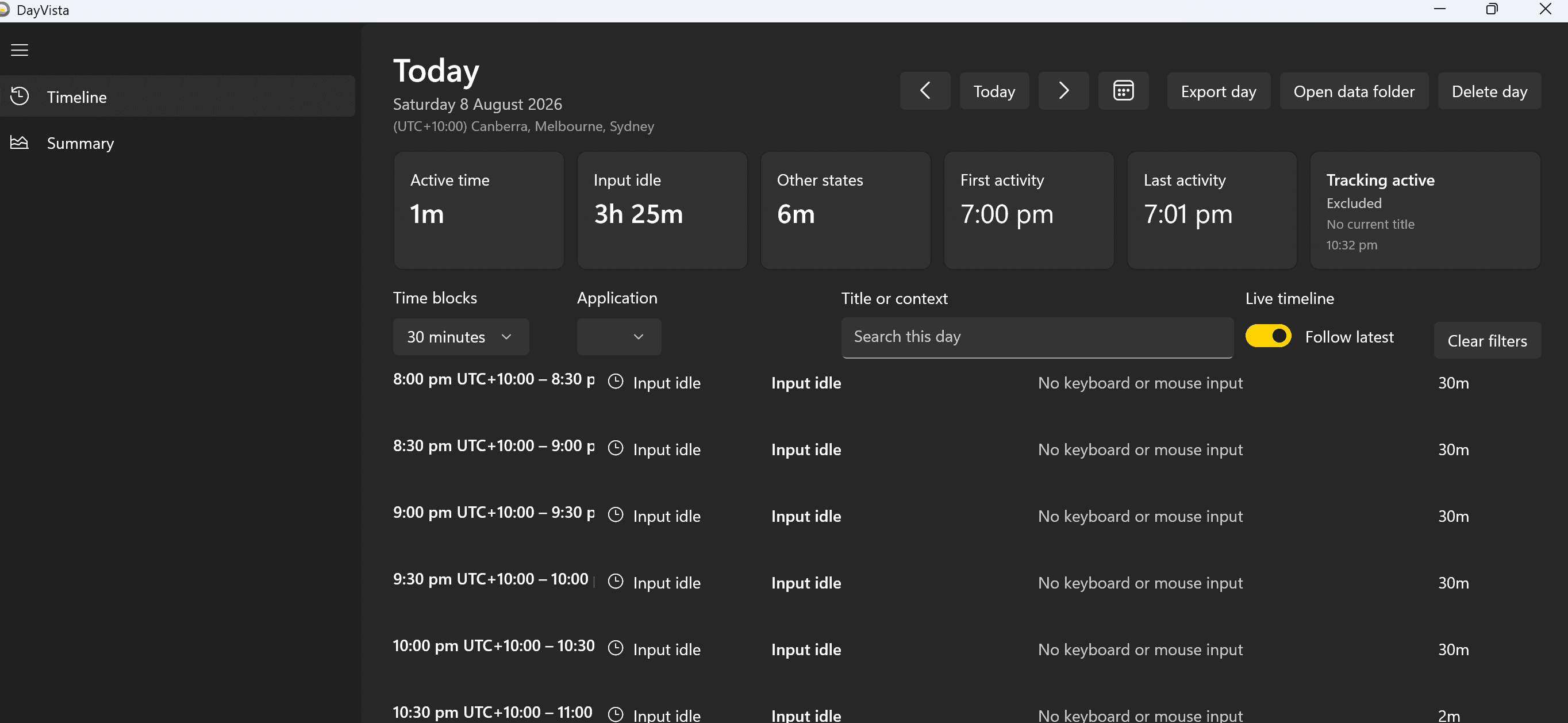
DayVista quietly maps the time you spend in applications into a practical daily timeline, so you can understand where your working day went without starting and stopping timers.
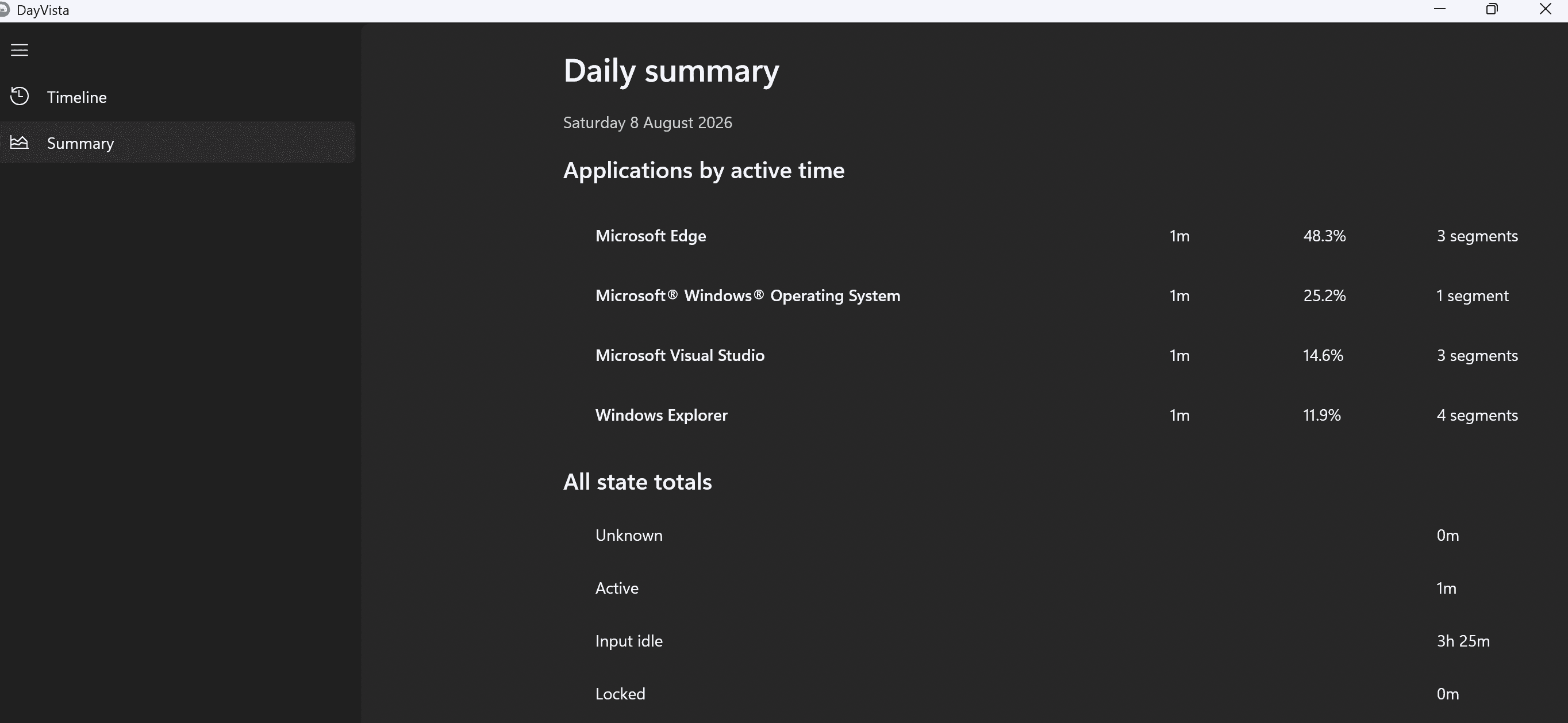
Move from individual activity segments to a daily summary of active time by application. Idle, locked, suspended and excluded periods stay visible as distinct states, keeping the picture honest without treating every open window as productive time.
Your activity history stays on your Windows device. There is no account, advertising, analytics, telemetry or cloud synchronisation, and privacy controls let you pause tracking, suppress titles, exclude applications and redact sensitive context.
What it does
An automatic daily timeline
See foreground application activity alongside idle, locked, suspended, paused and excluded time — without running manual timers.
Useful daily summaries
Review active time by application, segment counts and state totals to understand the shape of each day at a glance.
Privacy controls that stay close
Pause tracking, disable title capture, exclude applications, add aliases and redact sensitive title text whenever you need to.
Local and encrypted
Activity history is encrypted on your Windows device and only leaves it when you deliberately create a CSV export.
Privacy, in plain language
DayVista doesn't collect what it doesn't need — and says so in writing.
- Never collected: no account details — dayvista does not require an account
- Never collected: no uploaded activity history, window titles, settings or exports
- Never collected: no advertising, analytics, telemetry or cloud synchronisation